

Abstract Fluid Neon Waves Aurora 4K
Abstract luminous fluid waves swirl with vivid orange, cyan, and magenta gradients.
desktop
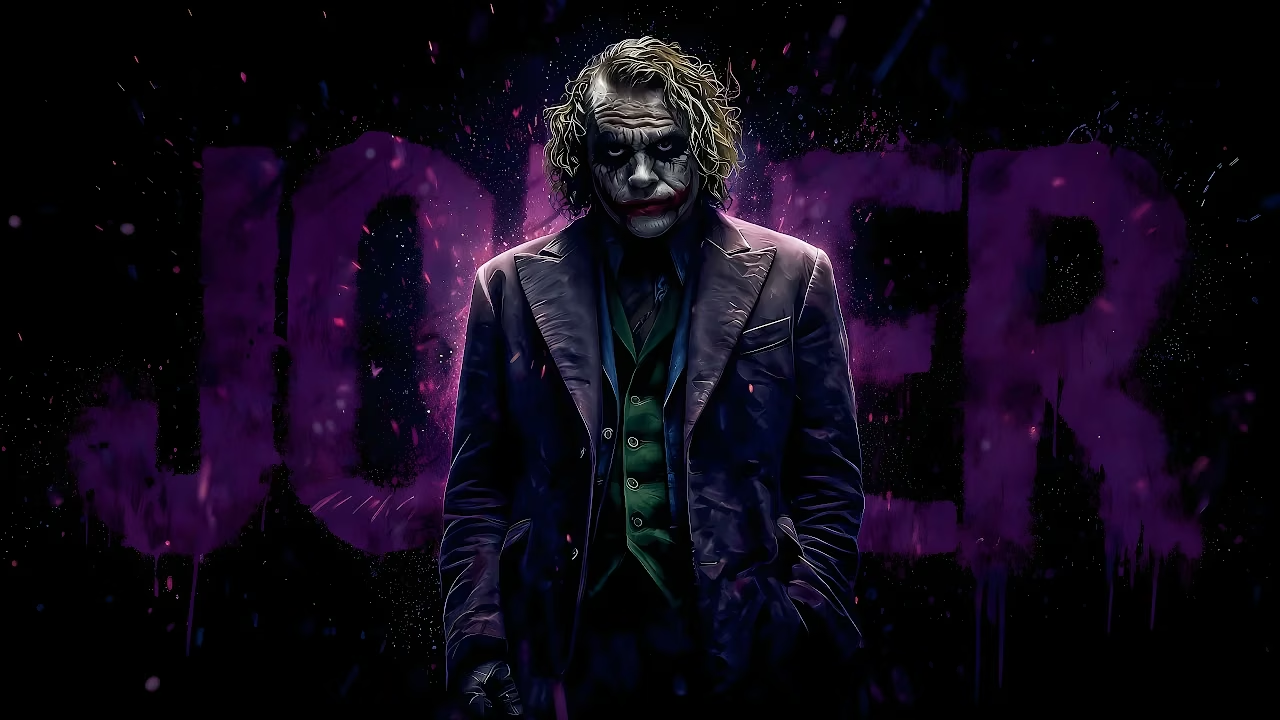
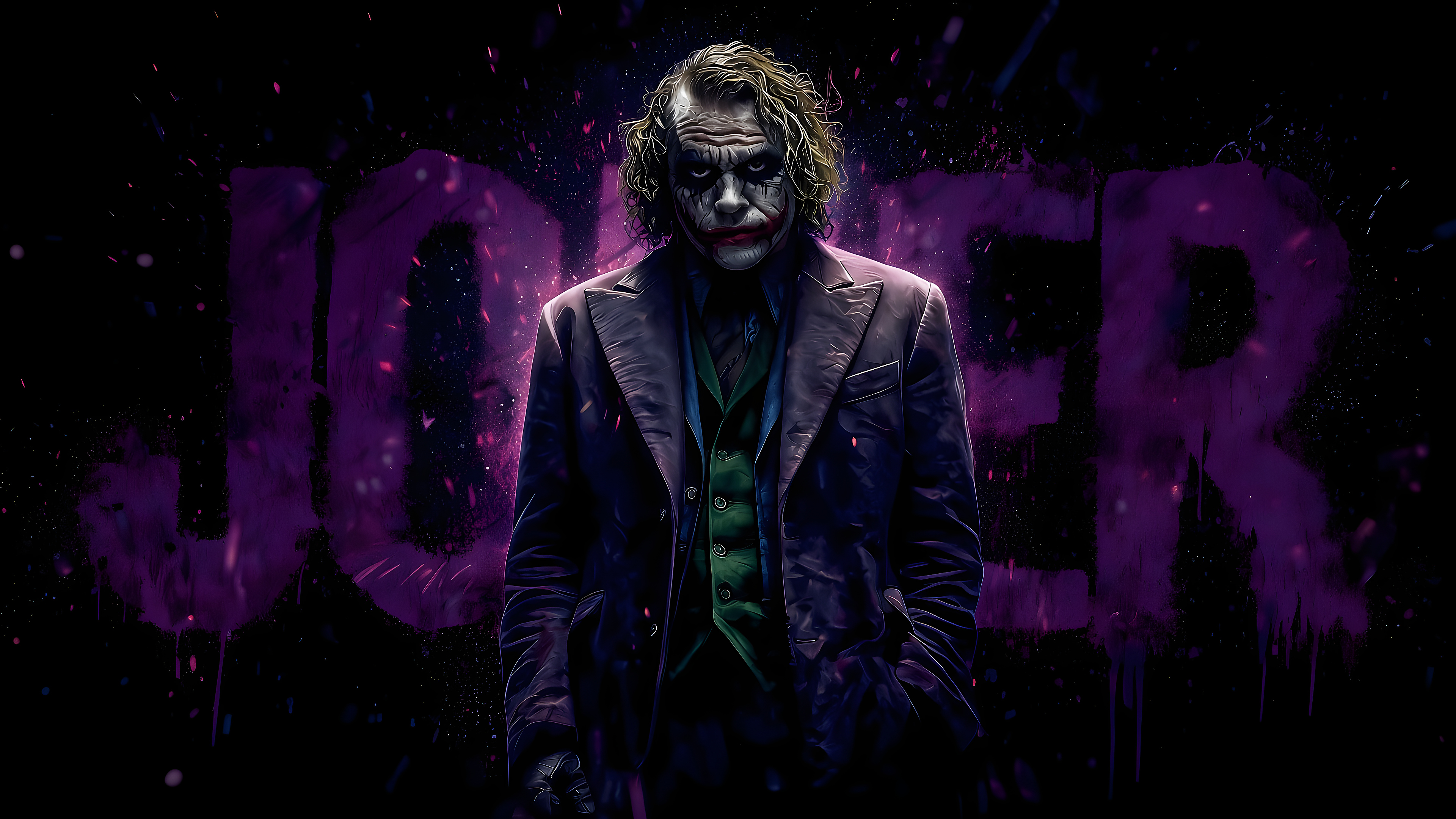
The Joker in clown makeup and purple suit stands against bold purple graphic lettering.
Discover more high-resolution wallpapers with matching aesthetics
Abstract luminous fluid waves swirl with vivid orange, cyan, and magenta gradients.
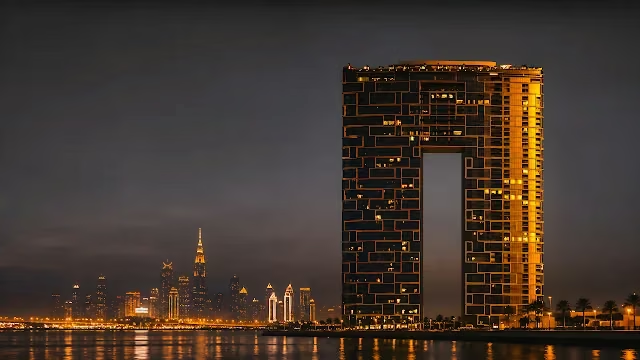
Illuminated Address Beach Resort tower stands over water with the Dubai city skyline glowing at night.
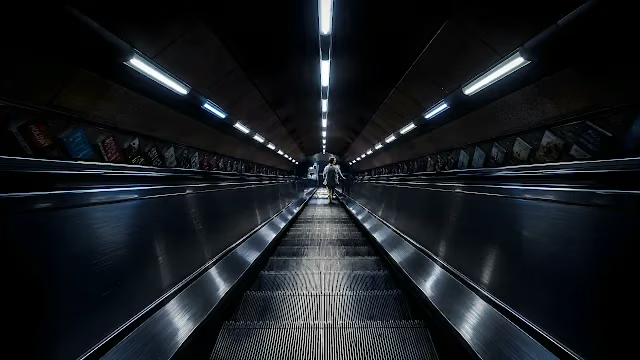
Long underground subway escalator ascends under linear ceiling lights in a metro station.
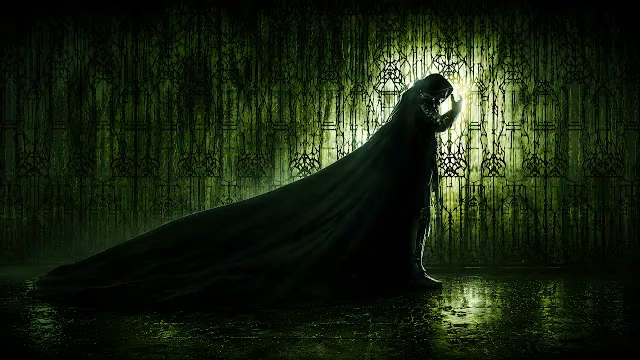
Doctor Doom stands in profile with a long dark cloak against an illuminated green patterned screen.

Orange classic muscle car accelerates down a mountain highway under an orange sunset sky.

Small hooded figure holding a glowing lantern stands in a blooming meadow under a starry moonlit sky.
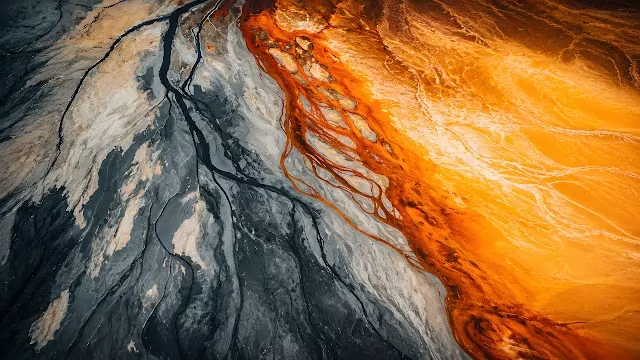
Aerial view shows orange mineral runoff flowing across dark volcanic riverbed terrain.
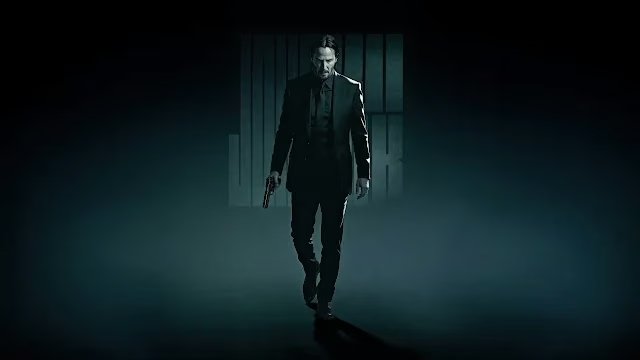
John Wick in a tailored black suit walks forward holding a pistol in cinematic studio lighting.
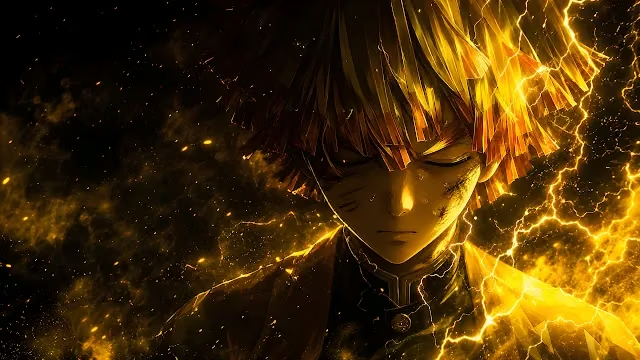
Zenitsu Agatsuma activates Thunder Breathing surrounded by crackling gold lightning bolts.
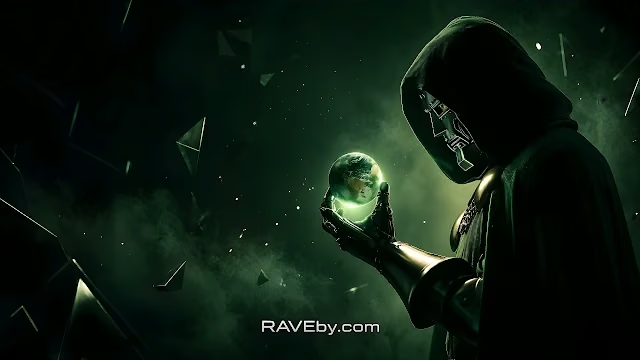
Doctor Doom inspects a miniature glowing Earth hovering above his metal gauntlet.

Sculpted ribbon curves in cobalt blue sweep across warm orange light gradients.
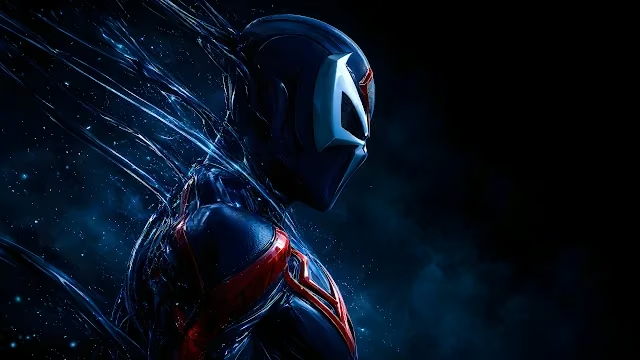
Spider-Man 2099 profile in dark bio-organic armor with trailing tendrils against a smoky background.
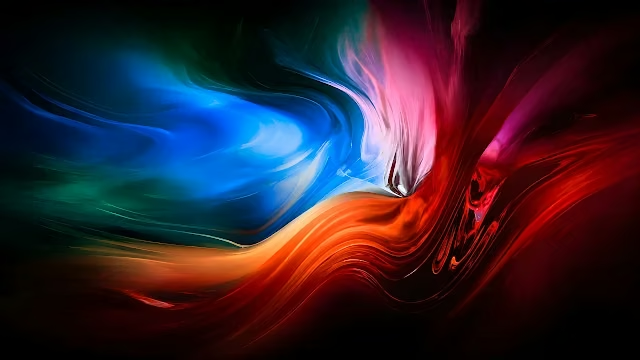
Liquid paint pigments in electric blue, orange, and crimson swirl into fluid waves.
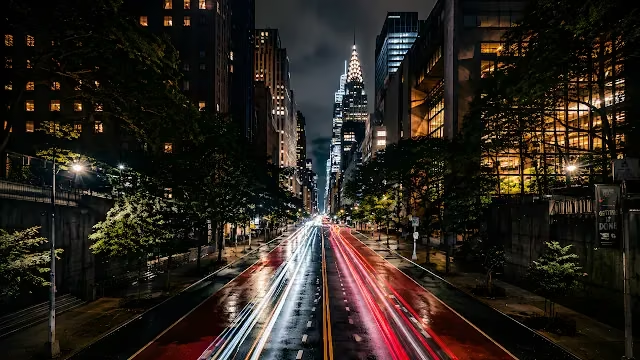
Traffic light trails along a New York City street leading toward the illuminated Chrysler Building.
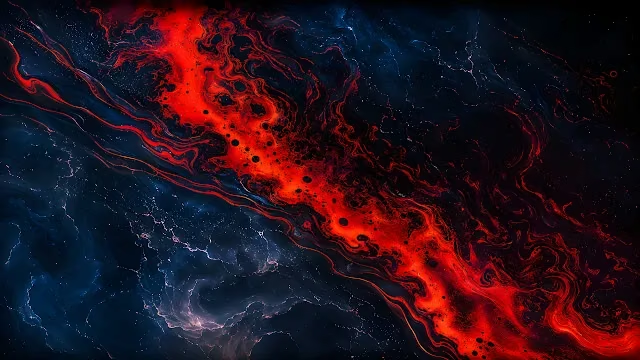
Vibrant red molten liquid swirls through dark blue textured fluid patterns.
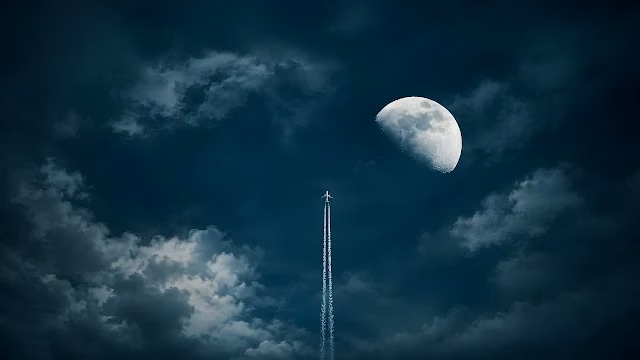
A passenger jet flies upward leaving a white contrail beside the moon in a dark night sky.
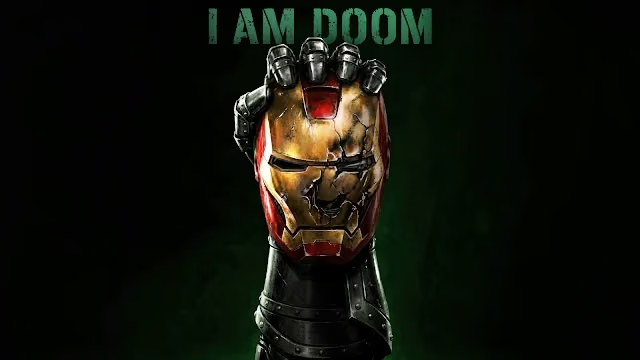
Doctor Doom's armored gauntlet grips a shattered Iron Man helmet beneath distressed green text reading I AM DOOM.

Bumblebee charges forward through intense golden dust and fiery sparks with glowing yellow optics.
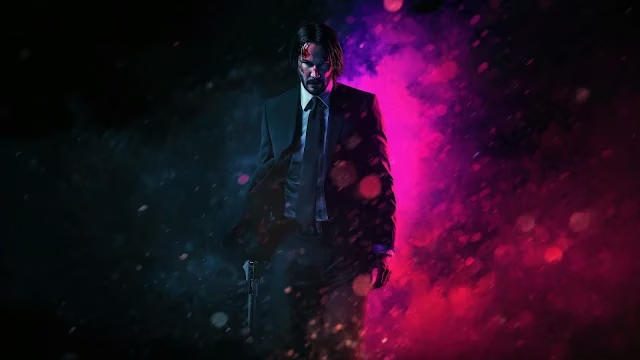
John Wick walks through pouring rain and glowing neon pink and blue bokeh holding a handgun.
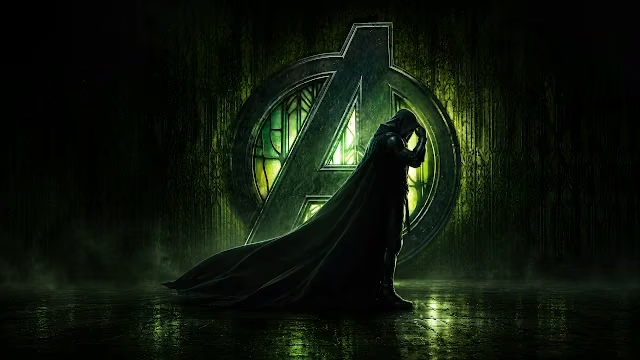
Doctor Doom in a hooded cloak stands before a glowing green Avengers logo on a reflective wet floor.
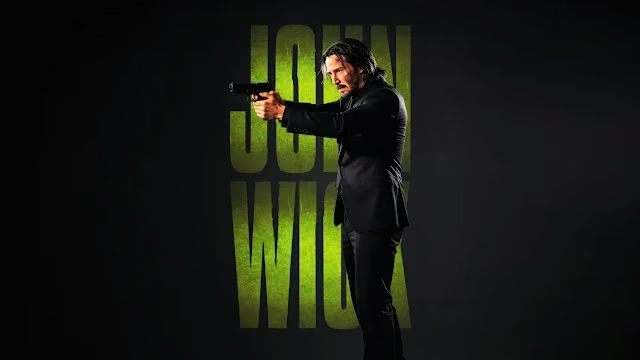
John Wick aims a handgun in a black suit beside textured lime-green title lettering on a dark backdrop.
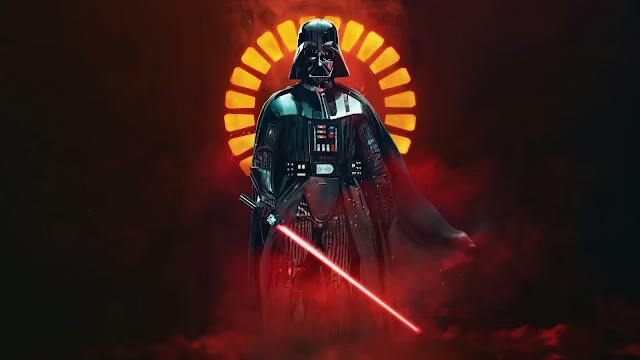
Darth Vader stands with an ignited red lightsaber framed by a glowing golden circular halo in smoky red darkness.
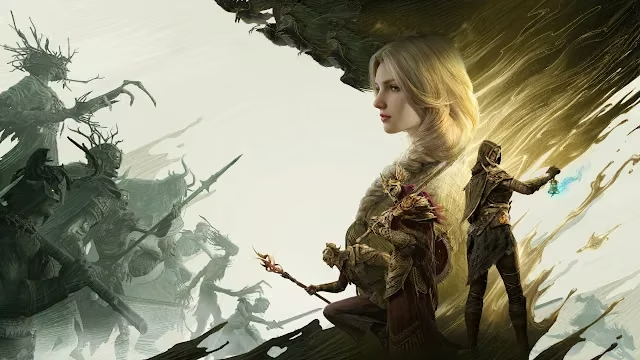
Dragon's Dogma 2 warriors and a blonde protagonist face an encroaching army of shadowy monstrous creatures.
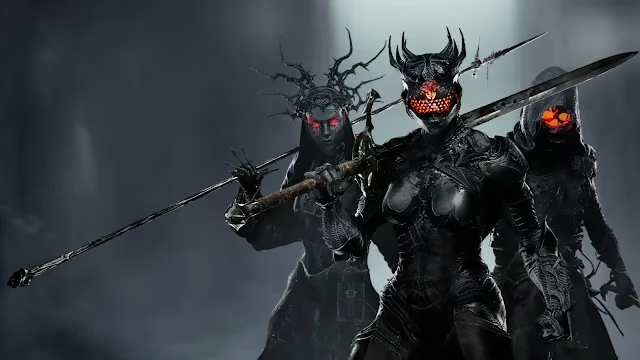
Three armored gothic warriors with glowing red visors hold greatswords and polearms in dark smoky fog.
Curated partner recommendations and related design resources
Tested for optimal pixel alignment, sharpness, and high dynamic range scaling without blur or compression artifacts:
Designed with intentional contrast ratios to ensure desktop icons, widgets, and status bars remain clearly legible.
The native resolution is 3840 × 2160 pixels, providing sharp clarity without pixelation.
Yes, all wallpapers on Raveby are 100% free for personal use on macOS, Windows, iPhone, Android, and Linux setups.
This wallpaper supports 4K monitors, dual screen setups, ultra-wide displays, and Retina laptops.
Click Download Wallpaper to save the image to your device, then select it in your device display settings to set as your background.